Tikos Premium
Bump Reminders
A working 24-hour clock in your server’s colours.
A place for the people who bump.
Your server’s bump clock
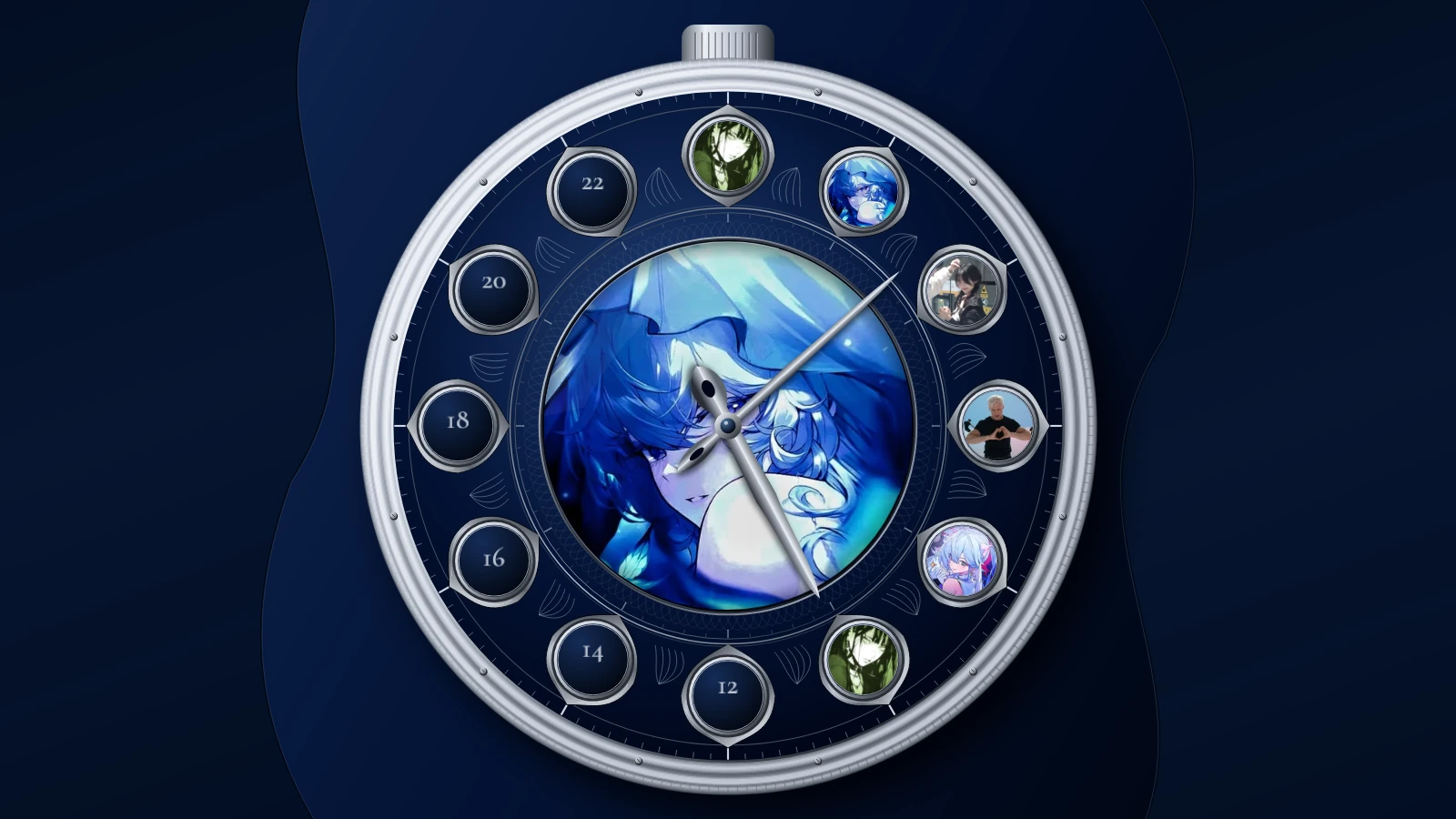
Sol bumped6 of 12 bumps
Each of the twelve two-hour windows holds a portrait of its latest successful bumper. A new day starts at midnight Pacific.
About two hours after a successful DISBOARD bump, Tiko posts a reminder with a clickable /bump command.
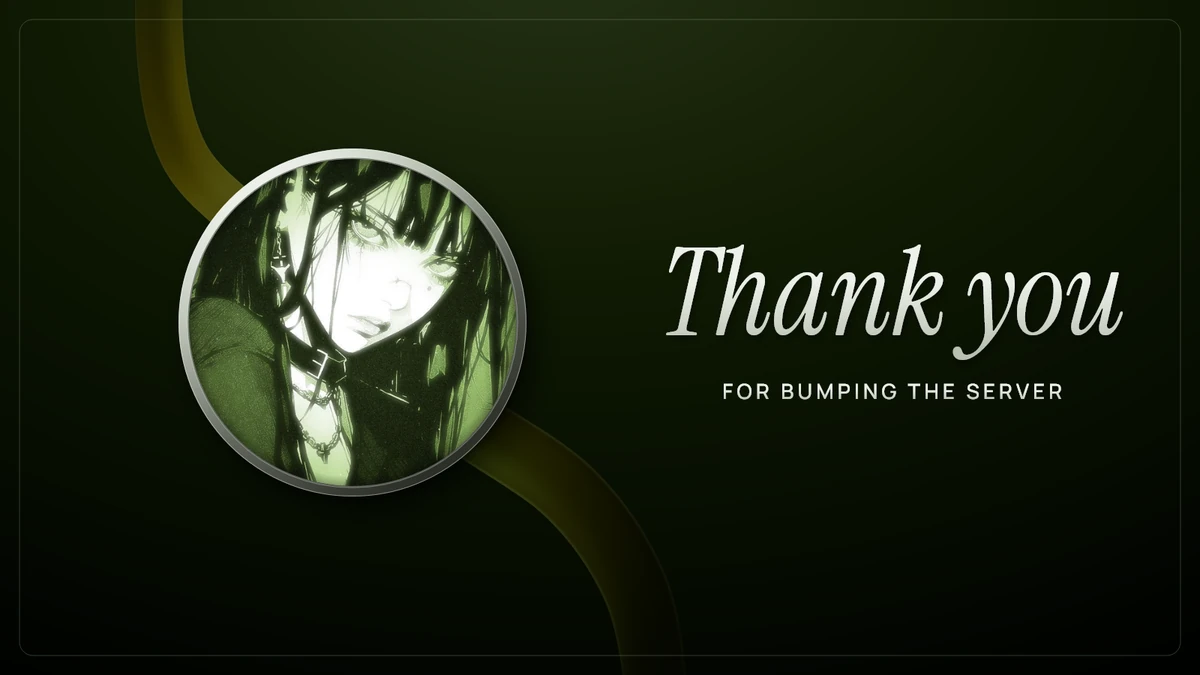
A personal thank-you.
A thank-you card, coloured from each bumper’s avatar.
bump-chat

Set it up in Discord.
Run /setup, choose your main chat channel if prompted, then press Start under Auto Setup in the Control Center. Tiko sets up bump reminders together with its other server features.
Once enabled, reminders start after your next successful bump.